
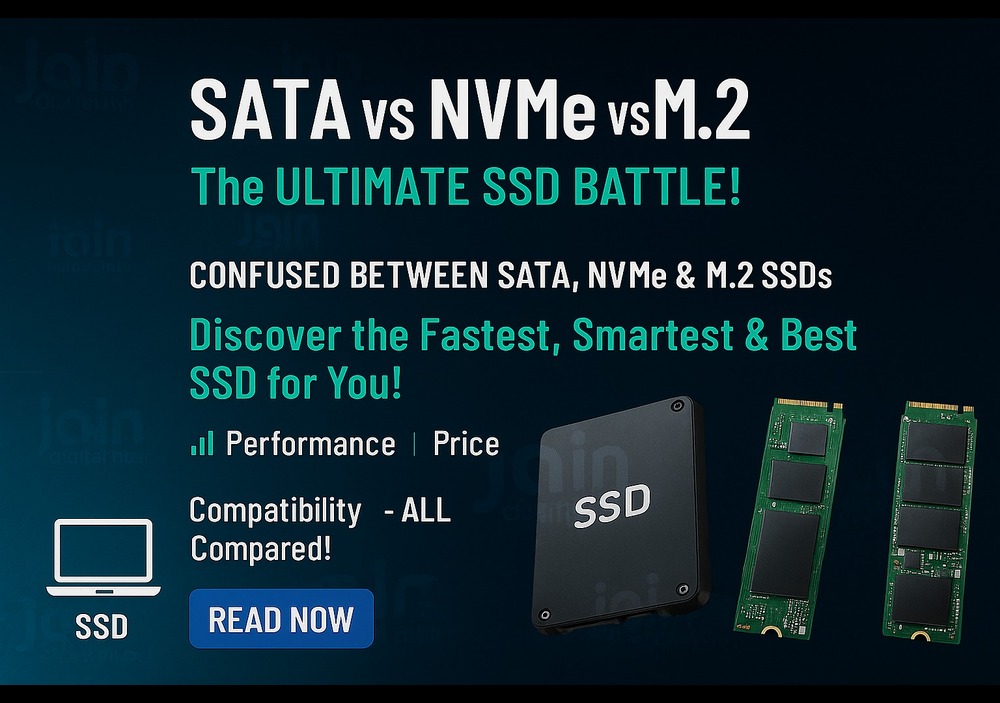
🔥 SATA vs NVMe vs M.2 – The ULTIMATE SSD Battle!
Which One Should YOU Buy ?
💡 Upgrading your PC or laptop?
Hold on! Don’t buy just any SSD.
Let’s break down the difference between SATA, NVMe, and M.2 SSDs so you get maximum speed without wasting money.
⚡ 1. SATA SSD – Budget Friendly Boost!
💼 The classic SSD upgrade.
🔸 Speeds up to 550 MB/s
🔸 Great for everyday computing
🔸 Compatible with most old & new systems
✅ Best For: Students, office users, and anyone upgrading from HDD
💸 Price Range: Low
🧠 2. NVMe SSD – Extreme Performance!
🎮 Built for power-hungry tasks.
🔥 Speeds up to 7000 MB/s
🚀 Near-instant boot & load times
💪 Ideal for gaming, editing, multitasking
✅ Best For: Gamers, video editors, professionals
💸 Price Range: Higher than SATA
✨ 3. M.2 SSD – Sleek & Smart!
👀 Modern, clean builds with ZERO cables.
🔸 M.2 is a form factor, not speed type
⚠️ Comes in both SATA & NVMe versions
🧩 Plugs directly into motherboard – No wires!
✅ Best For: Slim laptops, mini PCs, clean desktop builds
💡 M.2 + NVMe = Ultimate Combo!
⚖️ Quick Comparison: SATA vs NVMe vs M.2
| Feature | SATA SSD | NVMe SSD | M.2 SSD |
|---|---|---|---|
| 💨 Speed | 500–550 MB/s | 3000–7000+ MB/s | Depends (SATA/NVMe) |
| 💰 Price | ₹ (Budget) | ₹₹₹ (Premium) | ₹₹ / ₹₹₹ |
| 🔌 Interface | SATA Cable | PCIe (No cable) | Plugs to motherboard |
| 📦 Form Factor | 2.5-inch drive | M.2 / Add-on card | Slim & Sleek (M.2) |
| ✅ Best For | Basic users | Gamers / Creators | Modern, space-saving PCs |
💥 Which SSD Should You Choose?
🔹 Just want speed over HDD? → SATA SSD
🔹 Gaming or heavy software use? → NVMe SSD
🔹 Want clean cable-free setup? → M.2 NVMe (if your PC supports it)
🛍️ Buy SSDs at Jain Digital Hub – Best All-In Price!
📦 Genuine SSDs for:
Desktops
Laptops
Professional Systems
🛠️ Upgrade Service Available
📍 Visit: 1st Floor, Devi Nagar Mode, Opp. Vivek Vihar Metro Pillar 79, Jaipur Rajasthan - 302019
🌐 www.jaindigitalhub.com
📲 Call/WhatsApp: +91-8240633251
✨ No hidden charges. Warranty included. All-in price guaranteed!